Lab 5
Screen Reader Announcer
Pick an element and see what a screen reader would say about it. Then fix it and watch the words change. No screen reader to install first.
Before you start
A screen reader does not read the page you see. It reads a tree of roles, names, and states that the browser builds from your HTML. A button with an icon and no text is "button" and nothing else. An image with no alt attribute is read by its file name. A div that looks like a button is read as a sentence.
The announcements below are a model of what common screen readers say, in the order they say it: name, role, state, description. Real screen readers differ in wording and verbosity, and this lab is not a substitute for testing with one. It is a way to see the tree without installing anything.
The lab
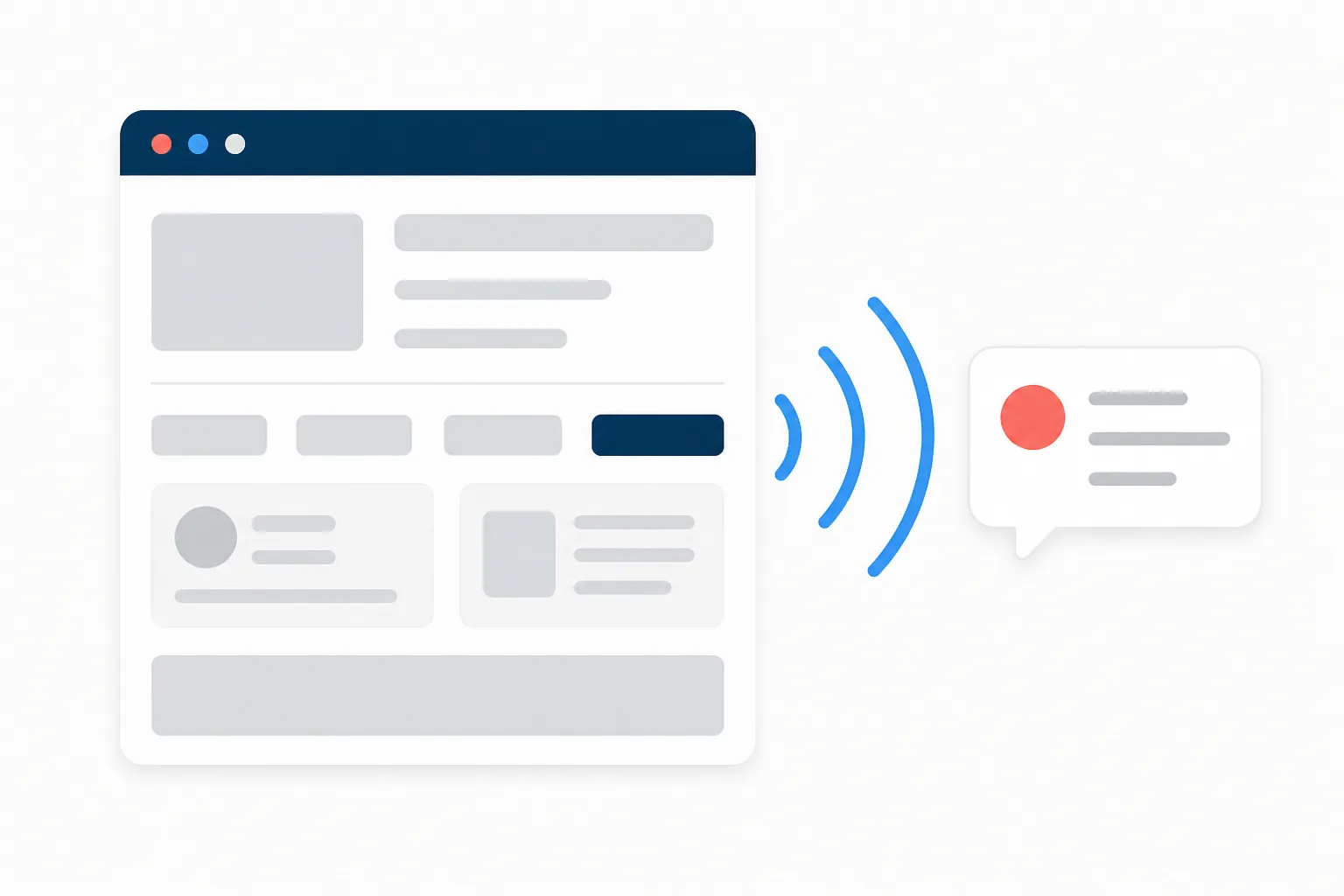
On the left is a small sample page. Press a Pick button, or activate the element itself, to see its announcement on the right. Each element has one or two fixes to try. The Hear it button speaks the announcement if your browser can.
What you just learned
- Name, role, state. That is the whole announcement. If any of the three is missing or wrong, the control is confusing or invisible. Every fix in the lab supplies one of them.
- The name comes from a list of sources in a fixed order.
aria-labelledby, thenaria-label, then the native source (a label, an alt, the text content), thentitle. A placeholder is not on that list, even though some screen readers read it. - "logo" is not a name for a link. A linked image's alt is the link's purpose. Home, not logo.
- A div with a click handler is a sentence. Adding
role="button"andtabindex="0"makes it announce and focus like a button, but it still needs Enter and Space handling. A realbuttongets all of that for free. - Empty alt is silence, missing alt is noise.
alt=""skips the image. No alt at all reads the file name. - Errors have to be attached. Red text next to a field is invisible to a screen reader until
aria-describedbypoints at it, andaria-invalidsays the field is wrong.
Then test with the real thing
Every desktop and phone ships a screen reader. VoiceOver on Apple devices, Narrator on Windows, TalkBack on Android, and NVDA is free for Windows. Turn one on, close your eyes, and try to do the one thing your page is for. The lab tells you what the tree says; a screen reader tells you what it is like.
Embed this lab
Host the Screen Reader Announcer on your own page with one element and one script. It runs entirely in the visitor's browser, sends nothing back, and adds a small credit link.
<div data-a11y-world-lab="announcer"></div>
<script src="https://a11y.world/embed.js" async></script>
Spotted a wrong announcement?
If a real screen reader says something different from the model, tell us which one and what it said. The model gets better from exactly that.
Send a correction